A sensor for everything else.
Add-Ons are standalone sensors that connect wirelessly to your Canaro Hub and run on its existing subscription; expanding what you monitor with no wiring and no extra bills.
Add sensors.
Don't add a bill.
Every Add-On runs on the hub's existing plan. Pay once for the hardware; the rest is covered.
One hub covers the whole site.
Add-Ons don't need their own connection. They talk wirelessly to the hub; up to 100 m on every Canaro Hub, up to 10 km with Canaro Hub Pro and Long Range Add-Ons.
Whatever the hub uses to reach the dashboard, every Add-On comes along on it.
Stated ranges are estimates under typical conditions. Terrain, building materials, and interference all affect real-world range.
Every Add-On is its own device.
Add-Ons behave like standalone monitors that share the hub's connection instead of needing their own. Each one has its own reporting interval, alert rules, and history in the dashboard.
Configured individually
Set the reporting interval and alert thresholds per Add-On, the same way you would for a hub. Each keeps its own data history.
Instant alerts, monitored onboard
Add-Ons report on a schedule rather than streaming live. Thresholds are monitored onboard 24/7, so if a reading goes out of bounds you're alerted immediately, not at the next check-in.
Automatic hub failover
If an Add-On's hub goes offline and another hub on your account is in range, the Add-On switches to it automatically and keeps reporting.
Plug. Pair. Monitor.
No app per device, no SIM cards, no firmware tools. The whole setup happens in the dashboard.
Mount
Integrated mount plate ships with every Add-On. Screw the plate in once; click the device on. Take it off any time.
Pair
Scan the Add-On's activation code in your dashboard. The hub picks it up automatically; nothing else to configure.
Monitor
Live data, threshold alerts, history; on the same dashboard as the hub. Multi-year battery on wireless Add-Ons.
Every Add-On, One Ecosystem
From precision temperature monitoring to industrial 4-20mA inputs, every add-on integrates wirelessly with your Canaro system — no additional subscriptions required.
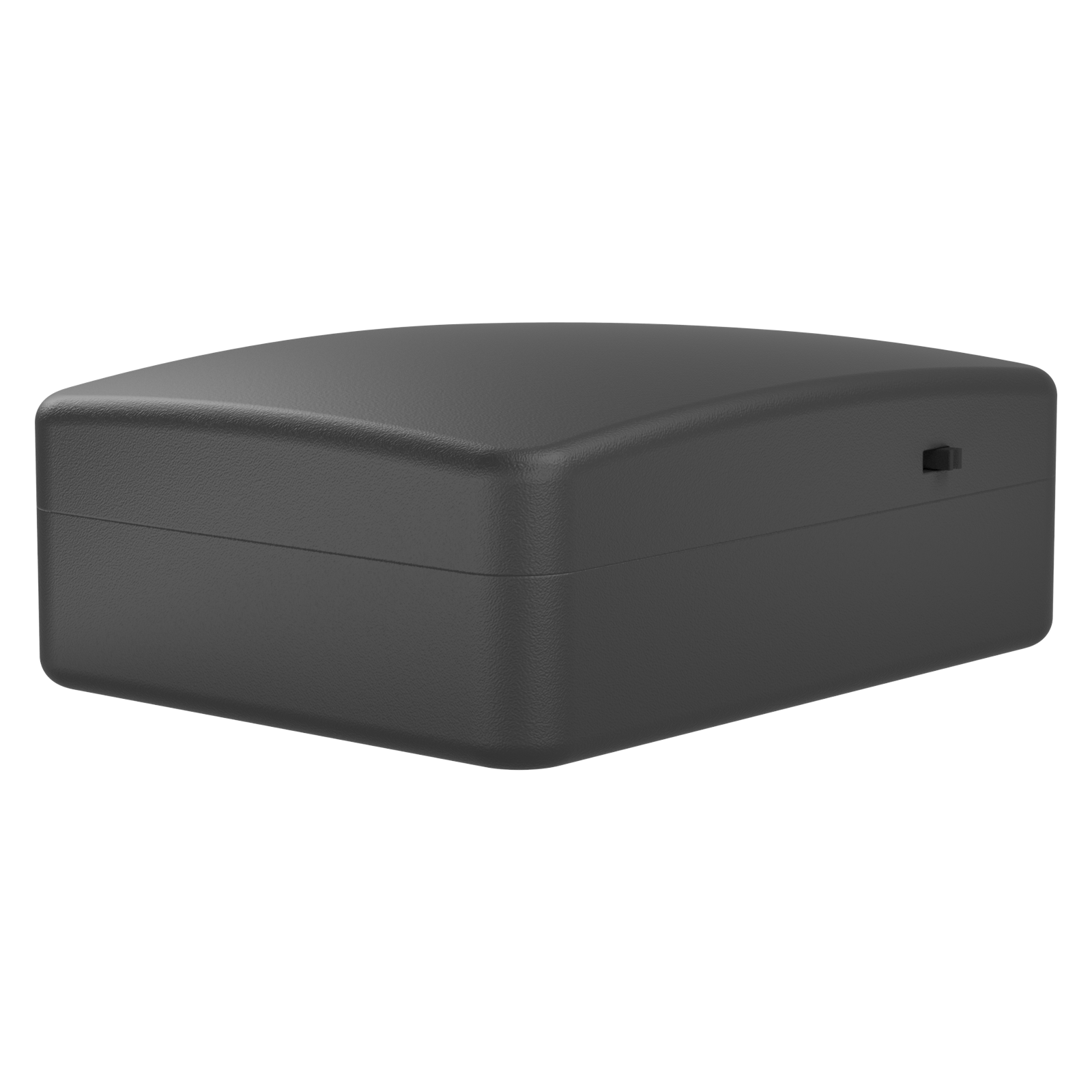
Temperature Add-On
Monitor temperature across multiple zones with lab-grade precision. Perfect for freezers, server rooms, greenhouses, and seasonal properties.
User-Replaceable AAs Leak Sensor Add-On
Advanced water detection with included 1-metre leak cable and pogo-pin connectors. Ideal for water heaters, sump pumps, and pipe runs.
User-Replaceable AAs Environment Add-On
Combined temperature and humidity monitoring in a single sensor. Track indoor climate conditions, detect condensation risk, and protect sensitive spaces.
User-Replaceable AAs 4-20mA Add-On
Connect any standard 4-20mA industrial sensor to your Canaro system. Supports 2-wire and 3-wire configurations with 12V and 24V supply. Plug-in powered — also monitors power status at the installation site for outage alerts.
Wall with Rechargeable Backup Dry Contact Add-On
Interface with relay outputs, alarm panels, and existing equipment using normally-open or normally-closed dry contacts. Four independent inputs per module.
User-Replaceable AAs Dry Contact + Relay Add-On
Combined input/output module with two dry contact inputs and two relay outputs. Monitor equipment status and remotely switch circuits from the same module.
User-Replaceable AAs Modbus Add-On
Bring existing Modbus RTU equipment onto your Canaro dashboard. Reads registers from meters, PLCs, and industrial controllers over RS-485.
Wall with Rechargeable BackupBuilt for Both
Every Add-On works with both Canaro Hub and Canaro Hub Pro. Hub Pro unlocks extended range with Long Range Add-Ons for larger sites.
Canaro Hub
Canaro Hub Pro
Add-On limits per hub are set by your account plan: 3 on Standard, 12 on Advanced, up to 30 on Enterprise. Hardware supports the full ceiling on both models.
Ready to Expand Your System?
Add sensors, controls, and industrial interfaces to your Canaro — and monitor everything from one dashboard.
Datasheet coming soon
The datasheet for this product has not been published yet. Specifications are being finalized ahead of launch. Please check back soon, or contact us to receive the documentation when it becomes available.